
Robinhood Bundler: Wallets, Launches and Trading on Pons

Panda Bundler is a browser-based launch and trading workspace that supports Pons on Robinhood Chain. It brings launch preparation, wallet management, funding and post-launch controls into one interface, so you can work through the token lifecycle without treating each action as a separate task.
For Robinhood Chain, the supported launch venue discussed here is Pons. This does not mean every launchpad on the network is supported. Select the correct network and venue in the application, then review the available controls before funding a launch.
What a Robinhood Chain Bundler Does
A Robinhood Chain bundler coordinates configured token-launch or trading actions involving wallets on that network. The name describes a category of tools, not a single execution guarantee: different products support different launchpads, wallet operations and submission methods.
Panda Bundler combines the preparation and operating stages:
- Set up a supported launch and review its token settings.
- Create or manage operator-controlled wallets and their allocations.
- Prepare funding and inspect readiness before execution.
- Follow the launch result and continue with supported trading and wallet controls.
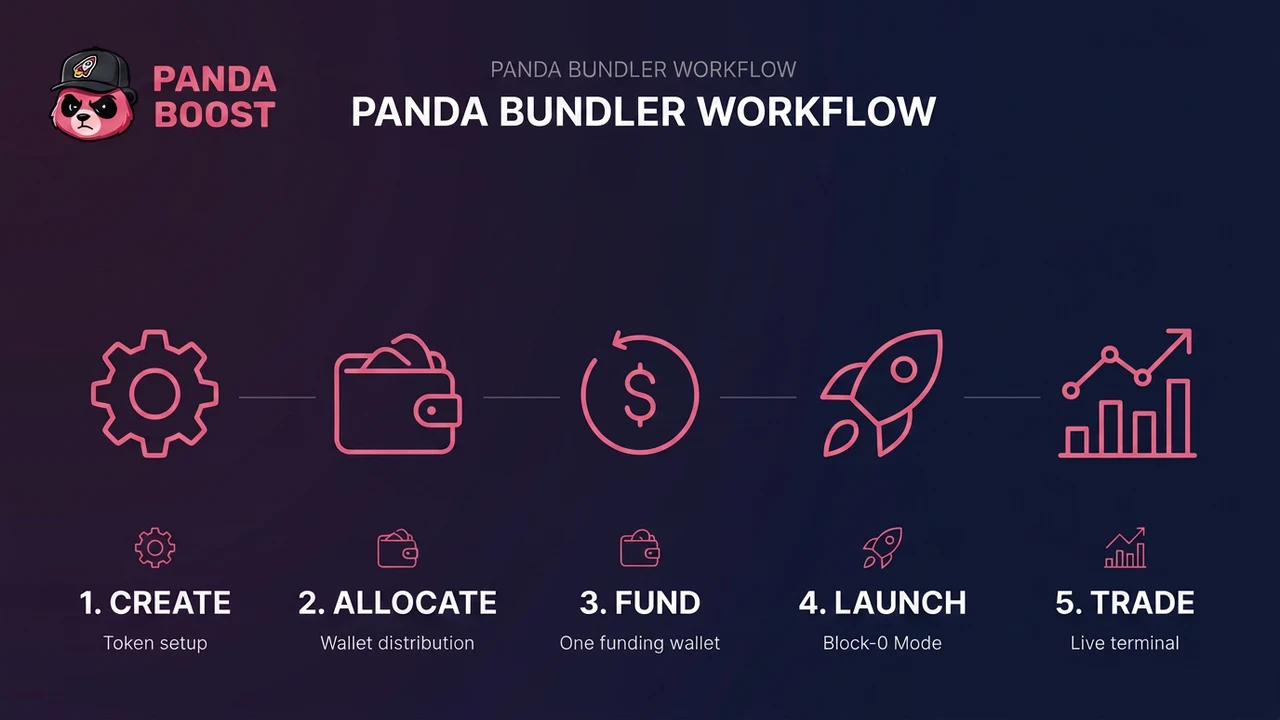
Panda Bundler workflow overview. Funding routes and launch modes depend on the selected venue and configuration.
That scope matters after submission. You still need to know which actions completed, what balances remain, and whether an order or automation rule is active. A workspace helps keep those states together; it does not remove the need to verify them.
Robinhood Chain is not Solana. Do not copy SOL funding amounts, Jito settings or Pump.fun launch assumptions into a Pons workflow. Launchpad rules, network costs and available modes must be checked for the selected setup.
For the Pons-specific setup and launch-mode walkthrough, follow our Pons launchpad bundler guide. This article covers the broader Robinhood Chain bundler workflow and Panda Bundler’s role in it.
Preparing your first launch? Follow our step-by-step guide on how to launch a token on Robinhood Chain using Pons for eligibility checks, token setup and the choice between launching directly and using Panda Bundler.
Wallets, Funding and Clean Bubblemaps
Start with the token and the wallets you control, not the execution button. A correct configuration is more useful than a fast submission with the wrong amounts or addresses.
| Area | What to review |
|---|---|
| Network and venue | Robinhood Chain and the supported Pons workflow |
| Token settings | Name, symbol, artwork, project information and available launch parameters |
| Wallet roles | Which wallets fund, launch or participate in configured operations |
| Allocation | Amounts assigned to each operation and the total funding requirement |
| Readiness | Balances, gas requirements, warnings and the active launch mode |
Keep a reserve for network costs and later wallet operations. Use the requirement calculated for your actual configuration rather than borrowing a funding estimate from another token or network.
Clean Bubblemaps configuration. Wallet allocation and funding choices can affect how a holder map appears. Panda Bundler documents configuration controls for wallet distribution; availability depends on the selected workflow. A clean-looking map is not proof of independent holders or hidden ownership, and public transfers remain inspectable.
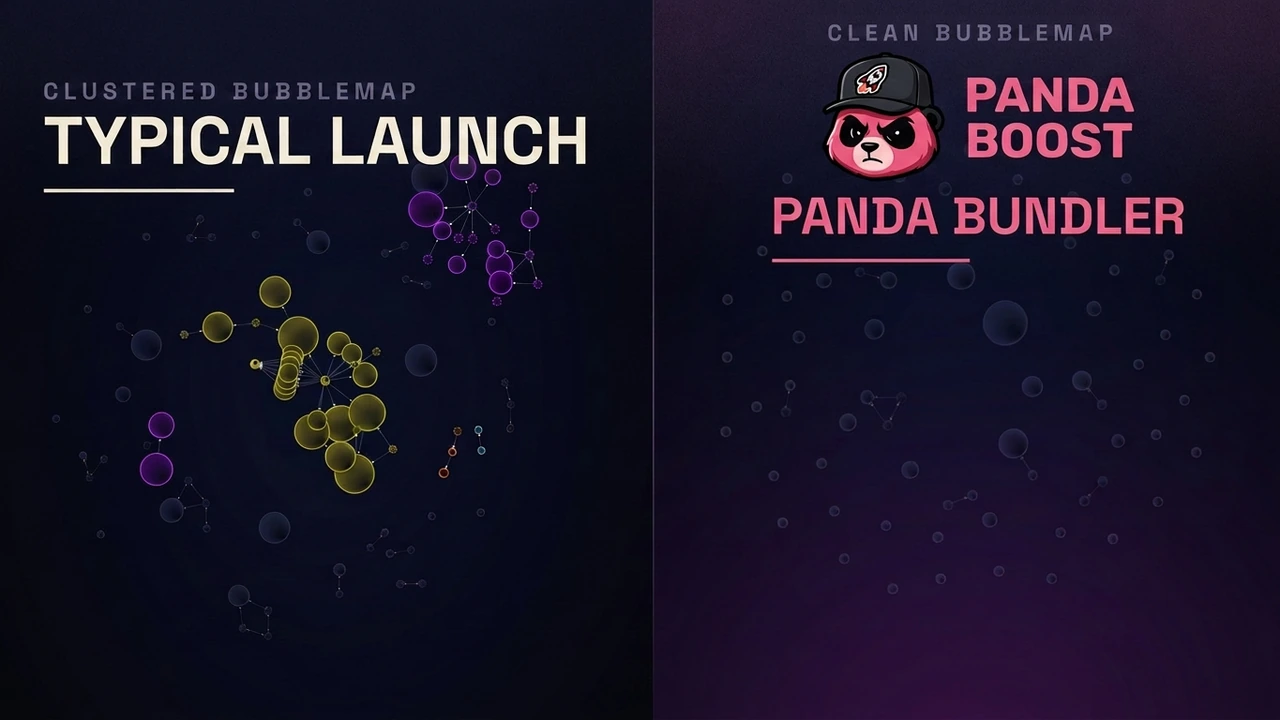
Concept illustration from Panda Bundler documentation, not a verified Robinhood Chain launch result or a guarantee of how an analytics service will group wallets.
Wallet-management capacity and launch-participant limits are not interchangeable. A product may manage a larger wallet set than a particular venue allows in one launch operation. Check the active workflow rather than treating a headline wallet count as a universal limit.
Before proceeding, verify the token details and addresses independently. Do not send private keys or recovery phrases to support. Funding transfers and subsequent activity remain publicly observable on the blockchain.
Launch and Trading in One Workspace
A launch-only tool and a launch-and-trading workspace solve different amounts of the operator’s job. Before choosing your setup, look at what happens after submission as well as what happens before it.
| Stage | What the workspace should let you inspect |
|---|---|
| Before launch | Token configuration, wallet roles, allocations and funding readiness |
| During execution | Task state and the transactions associated with the configured actions |
| After launch | Chart, positions, balances and supported buy/sell controls |
| Automation | Active conditions, selected wallets and resulting task status |
| Cleanup | Remaining balances and supported withdrawal operations |
Panda Bundler keeps those supported operations in one browser workspace. For the detailed Pons launch sequence and available launch modes, use the dedicated Pons guide linked above. The distinction here is continuity: you do not stop needing wallet and transaction information when the launch request has been sent.
Panda Bundler's broader toolkit includes chart monitoring, multi-wallet trading and automated strategies in supported workflows. Availability and settings vary by venue; the controls shown for your Pons setup are the relevant ones.
Automation can repeat an operation, but it cannot guarantee a fill or a particular price. Review liquidity, price impact and slippage before significant trades. Coordinated activity from wallets you control should not be confused with independent buyer demand.
After trading, review remaining balances and the available withdrawal or cleanup options. Treat a sell request and a completed sale as different states, just as you would for the original launch.
Access, Fees and Getting Started
Panda Bundler runs at launch.pandaboost.app. Contact support for a support key and enter it in the web application. Bundler access is separate from PandaBoost's service-ordering Web Panel; this is not a Telegram bundler bot or a WalletConnect sign-in flow.
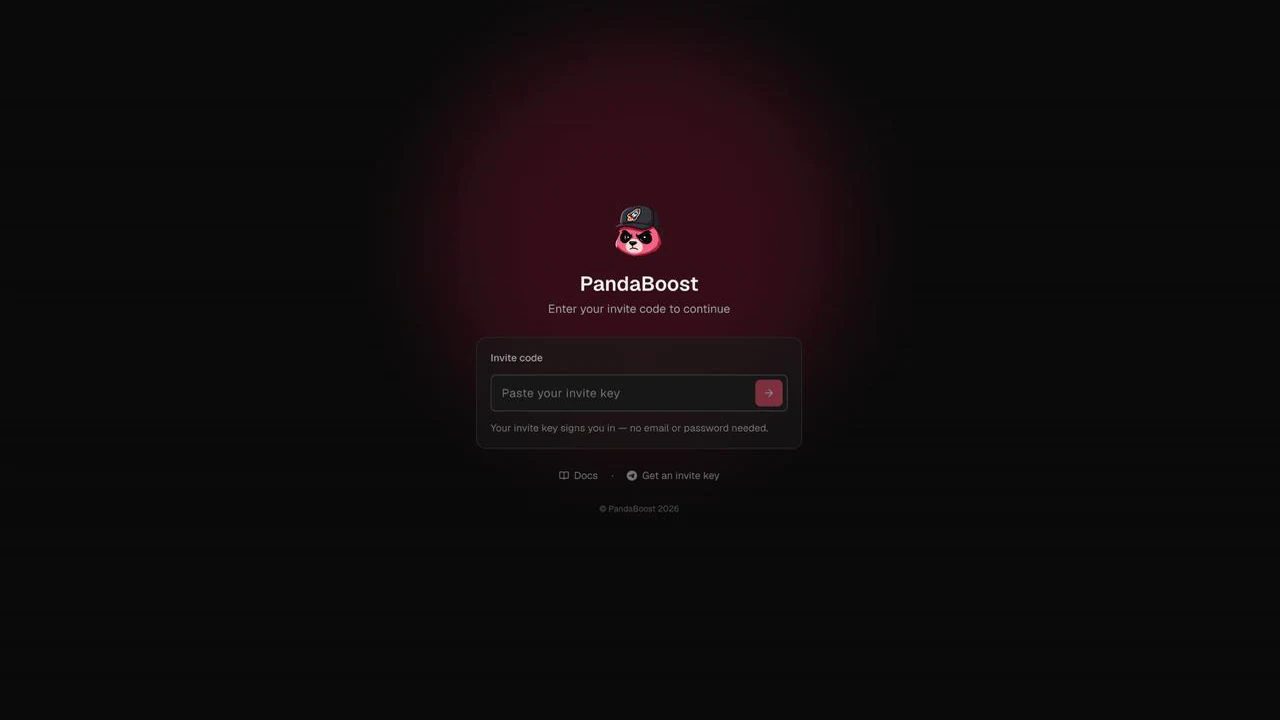
Enter the invite or support key issued by PandaBoost. This is an access code, not a wallet private key.
There is no subscription or Panda Bundler buy fee. A platform fee applies to sells; confirm the applicable rate with support and review the app before trading.
First launch? New users can request 0% Panda Bundler fees for their first launch before starting. The offer is not automatic. Active and returning users can also ask support about reduced sell-fee rates. Network, protocol and other third-party costs remain separate, including during the first-launch offer.
Use the Panda Bundler documentation to review the supported workflow, then request your access key.
For an already-live token, visibility is a separate decision. The guide to promoting a token on Robinhood Chain covers that next stage without treating promotion as part of launch execution.
Panda Bundler does not guarantee transaction inclusion, protection from outside trading, an invisible wallet graph, buyers or profit. Its purpose is to make the supported launch and trading workflow easier to configure, inspect and manage.
Start with Panda Bundler
Request your support key and confirm the Pons workflow and first-launch offer before funding.
FAQ
Yes. Panda Bundler supports Pons on Robinhood Chain. Check the selected venue and available controls in the app; support for Pons does not imply support for every Robinhood Chain launchpad.
No. Panda Bundler is a web application accessed with a support key. It does not use a Telegram bundler bot or WalletConnect sign-in.
It describes a wallet-distribution configuration goal, not a guarantee of independent holders or hidden ownership. Funding paths and on-chain activity remain publicly inspectable.
There is no subscription or buy fee. A sell fee applies at the rate confirmed for your account. New users can request 0% Panda Bundler fees for their first launch before starting; the offer is not automatic. Active and returning users can ask about reduced rates. External network and protocol costs still apply.

Whatever stage you're at — we're the stack.
Pre-launch? Bundle safe, warm wallets, fund quiet.
Post-launch? Trend on every scanner, chart and feed that matters.
The launch window is short. Don't waste it.