
Launch a Token on Robinhood Chain

To launch through Pons, prepare your token details, check the launch version and your wallet’s eligibility, review the creation form, and verify the resulting transaction before sharing the token address. This guide covers the official Pons form, not unrestricted ERC-20 deployment or a listing on the Robinhood brokerage app.
Pons V2 documentation currently says public launches are closed and only whitelisted addresses can create tokens. You can prepare the configuration, but a visible form does not prove you can launch. Panda Bundler does not bypass this restriction.
Version and Access
Open the official Pons creation page. Check the selected V1 or V2 tab before using instructions or copying settings from another launch.
V1 and V2 have different lifecycles. V1 creates a token and its locked Uniswap V3 WETH pool together. Graduation records a threshold in that same pool; it does not move liquidity elsewhere. V2 starts trading on a bonding curve and graduates into a Uniswap v4 pool with liquidity the protocol describes as permanently locked. Neither model guarantees demand or a safe investment.
For V2, the documented eligibility check is canLaunch(address) for the launching address. Confirm eligibility through the supported interface or with Pons support before funding a planned launch. Connecting a wallet does not override an access restriction.
The creation page can display a degraded-performance notice. If the graduation threshold or launch-window terms remain on a “Reading…” message, wait for the actual values. Do not treat missing terms as zero fees or no restrictions. Pons V2 documentation also says completed audit reports have not yet been published; a usable interface is not proof of audited contracts.
Token and Creator Settings
Make one approved record containing the name, ticker, description, artwork, project links and creator wallet. Use it to fill the form rather than retyping details from several chats.
Name, ticker and description. Check spelling and make the description explain the project. Similar names and tickers can belong to unrelated contracts, so the final token address will remain the authoritative identifier.
Token image and social links. Upload the intended artwork through “Choose image” and review the preview. The form exposes X profile and Telegram fields. Use the project’s real accounts and verify their destinations before submitting.
Paired asset and developer buy. Review the selected asset and the amount allocated to the developer buy. The inspected form displayed ETH, but V2 supports approved pairing assets. Do not assume every token is eligible as a pair, or that a quote in another asset represents an ETH amount. Keep network gas separate from the amount intended for purchases.
Advanced settings. Review Holder fee sharing, Creator wallet, Creator tax and Snipe tax exemptions. The creator-wallet field describes where creator fees and creator tax go; leaving it empty uses the connected wallet according to the interface. Check the full address and the selected fee-sharing arrangement. Do not copy rates or exemption rules from V1 into V2.
Tax exemptions concern the documented launch tax; they are not protection against outside trading or a guarantee of transaction order.
Direct Launch or Bundler
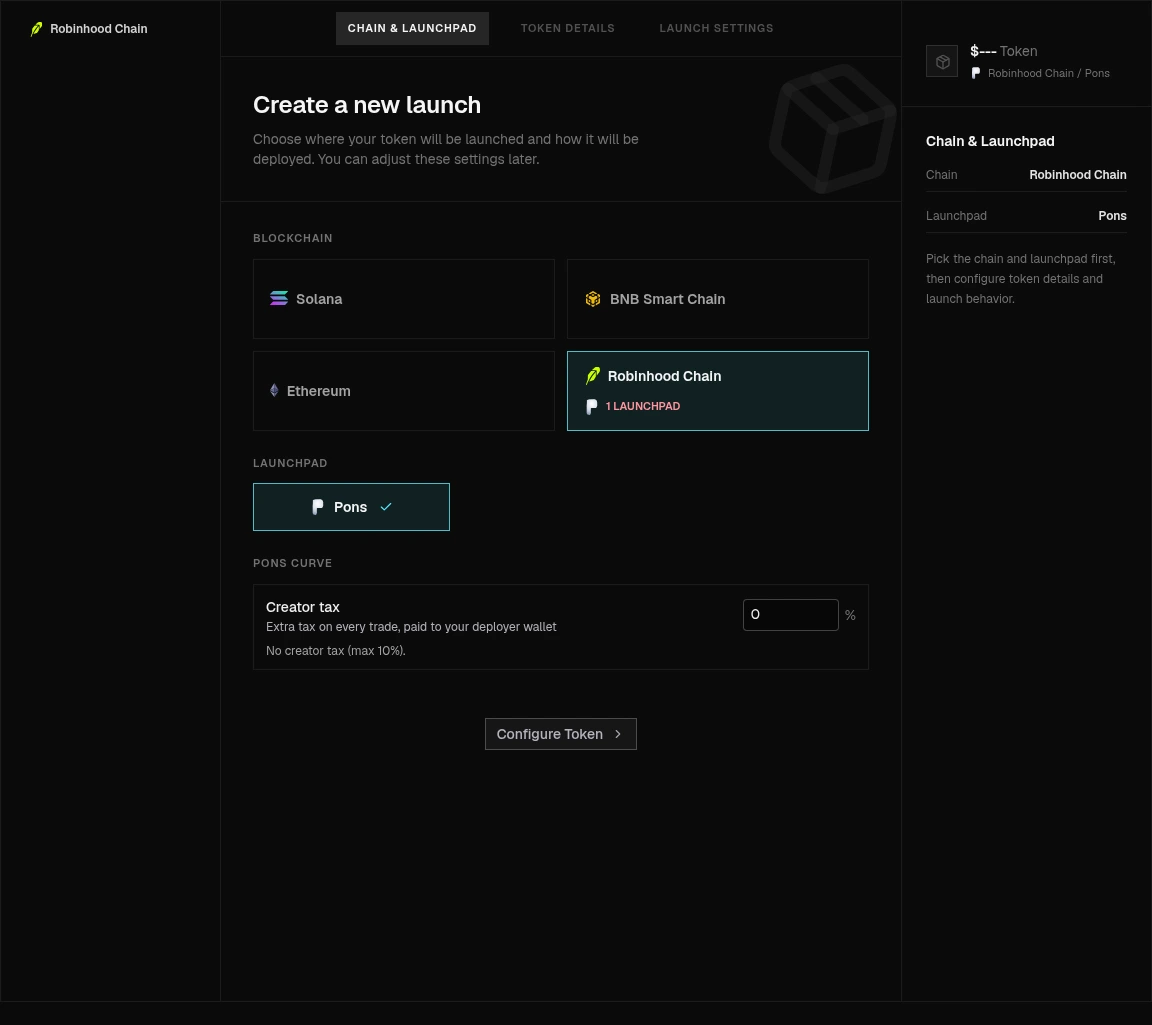
Robinhood Chain and Pons selected in Panda Bundler. This is the configuration screen before creating a launch, not a completed transaction.
The official form is the direct route for configuring a Pons launch with your wallet. Panda Bundler is a separate browser workspace for operators who also need supported wallet configuration, launch execution and post-launch controls.
If you need that broader workflow, use the Pons launch and bundler guide. It covers the product’s launch settings and wallet planning without requiring you to assemble the process from unrelated tools. The Robinhood Bundler guide explains product capabilities, access and commercial terms.
Keep the access models distinct: the official Pons route uses a compatible wallet; Panda Bundler uses a support-issued key and does not use WalletConnect sign-in. Neither route removes Pons-side eligibility requirements. Confirm the supported version and configuration before moving funds.
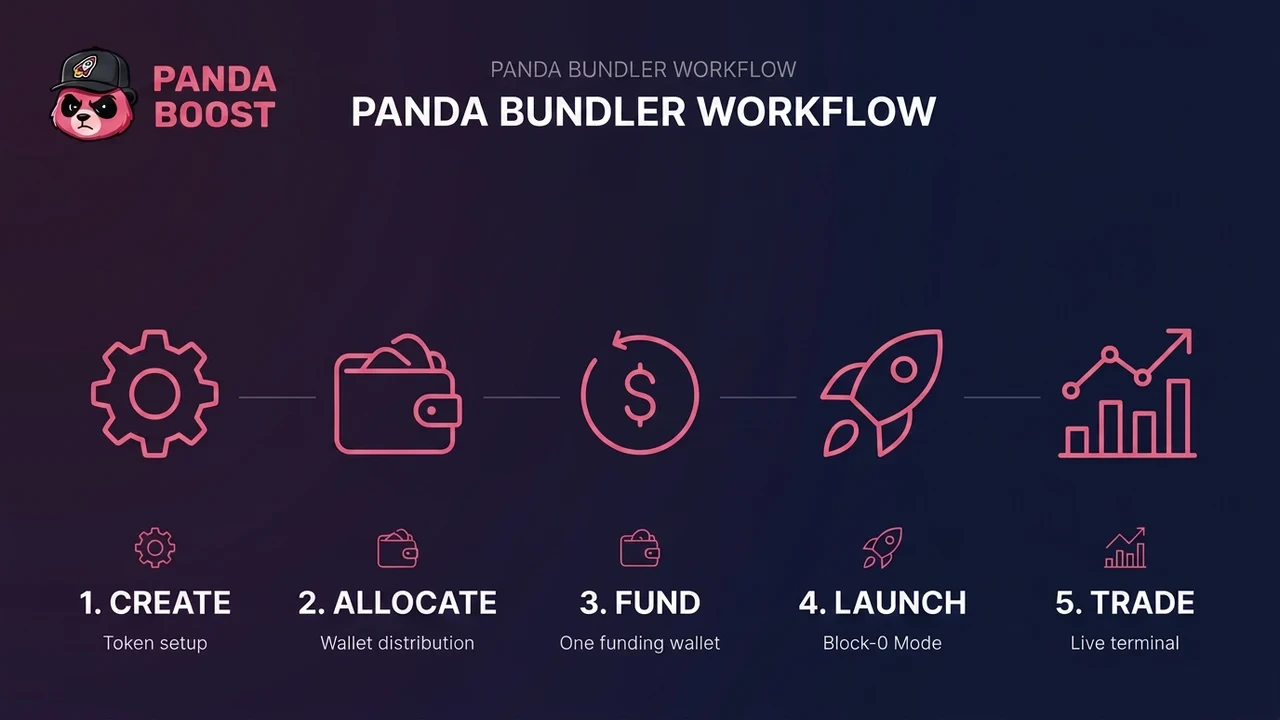
Workflow illustration from Panda Bundler documentation, not a Pons execution screenshot. The funding route and launch mode shown are examples; available settings depend on the selected venue and configuration.
Verify Your Launch
Before approving a transaction, compare the network, token details, pairing asset, creator settings, developer buy and total quoted costs against your approved record. Read the wallet’s transaction request rather than relying only on the creation-page summary.
After submission, distinguish a submitted request from a confirmed transaction. Verify the transaction receipt and resulting token address in the explorer. For V2, check the curve state rather than assuming the final Uniswap pool already exists; for V1, verify the pool created with the launch. A token address or success notification alone does not prove every planned operation completed.
If execution fails, inspect the error and transaction state before retrying. Resolve eligibility, funding or configuration problems first. Do not submit repeatedly while the outcome of the previous request is unclear.
After confirmation, use the Robinhood Chain Blockscout metadata guide for explorer information. Explorer metadata updates are separate from changing immutable contract settings. Then move to token promotion on Robinhood Chain: completing the technical launch does not create an audience by itself.
Plan Your Pons Launch
Explore supported wallet, launch and trading workflows in Panda Bundler.
FAQ
The current V2 documentation says public launches are closed and launching is restricted to whitelisted addresses. Check eligibility for the launching wallet before funding a configuration.
V2 begins on a bonding curve and graduates into a Uniswap v4 pool. V1 creates its Uniswap V3 WETH pool at launch and continues trading there after graduation.
The official Pons form is a separate direct-wallet route. Panda Bundler is an optional workspace for supported launch, wallet and post-launch operations; it does not bypass Pons access rules.
Do not sign while material terms are missing. Wait for the values to resolve, verify eligibility and review the complete transaction before submitting.

Whatever stage you're at — we're the stack.
Pre-launch? Bundle safe, warm wallets, fund quiet.
Post-launch? Trend on every scanner, chart and feed that matters.
The launch window is short. Don't waste it.